

We install and maintain CCTV, alarms and access control systems for homes, businesses and farms across Norwich, Long Stratton and Great Yarmouth. Christmas is the point in the year when most people discover whether their system actually works, usually by trying to check it from somewhere else. A proper CCTV check before holiday travel takes under an hour and catches the faults that only show up when you are not standing in front of the recorder.
Why the Christmas break exposes problems
Most domestic systems run untouched for months. Nobody looks at the footage because nothing has happened, so a failed hard drive, a camera that stopped recording in October or an app login that expired goes unnoticed. The moment you want that system is the moment you are 200 miles away and the house is empty, and that is too late to find out the recorder has been showing a blue screen since the clocks went back.
The seasonal conditions make it worse. Dark afternoons mean cameras run in infrared for most of the useful hours of the day, which exposes problems you never see in July: dirty lenses that scatter IR light into a white haze, spiders webbing across the housing, and cameras pointed at a wall or hedge that reflects the illuminators straight back into the sensor. Cold, damp weather also finds any cable entry that was not sealed properly.
The CCTV check before holiday departure
Work through this a week or two before you go, not the night before, so there is time to get anything fixed.
Confirm every camera is actually recording
Live view is not proof of recording. Go into the playback menu on the recorder or app, pick each camera in turn, and scrub back to yesterday evening. If a channel is live but has no recorded footage, something is wrong with the schedule, the storage or that channel's settings.
Check how far back the footage goes
Find the oldest recording on the system. If you are away for two weeks and the recorder only holds five days, any incident in the first week will have overwritten itself before you get home. Reducing frame rate or resolution on less important cameras, switching some channels to motion-triggered recording, or fitting a larger drive all buy you more days.
Test remote access from outside your own network
This is the one people skip. Turn your phone's Wi-Fi off so you are on mobile data, then open the app. If it only works on your home Wi-Fi, it will not work from a hotel in the Lake District. While you are there, check the password still works and that you have not forgotten which account the system sits under.
Clean the lenses and housings
A soft cloth and warm soapy water on the glass, and a look at the housing seals and cable glands. Clear away any webs around the camera body, because a spider sitting an inch from the lens will trigger motion alerts all night and fill your storage with nothing.
Review the night image on every camera
Stand outside after dark and look at the live feed on your phone. You want to see faces and number plates in the places that matter, not a bright white blur. A camera angled slightly down and away from reflective surfaces usually fixes an overexposed night image.
Check the power and the clock
Make sure the recorder is on a plug that nobody will unplug for Christmas lights, and that the time and date on the footage are correct. Wrong timestamps cause real problems if the police or an insurer ever need the recording.

Farms, yards and remote sites
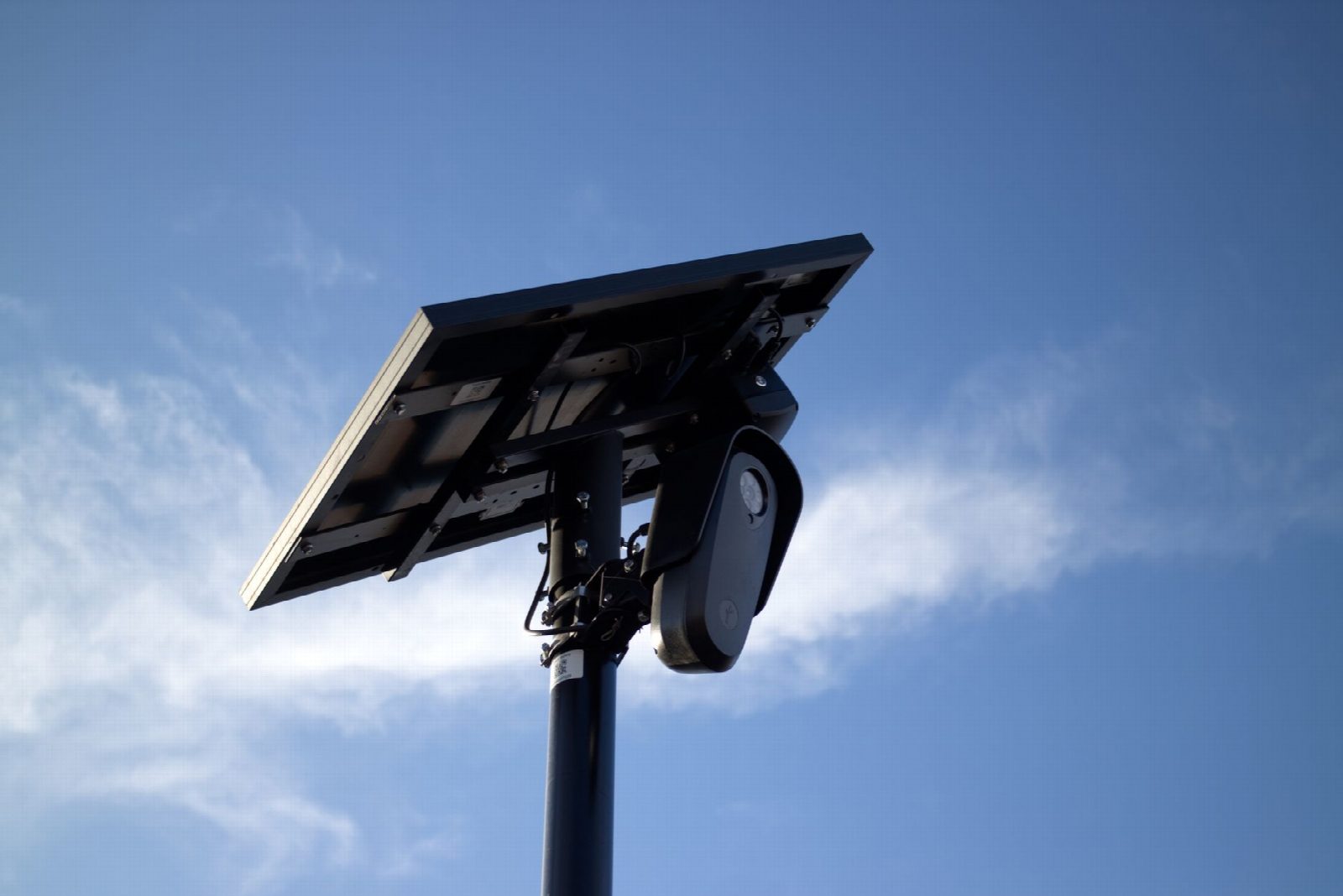
Rural sites have their own set of checks. Christmas and the New Year period means quiet yards, less traffic on the lanes and long hours of darkness, which is exactly when fuel tanks, quad bikes and machinery go missing. If you run solar-powered or 4G cameras, look at the battery state and the signal strength before you reduce the amount of time anyone is on site. Short December days and overcast weather mean solar panels are working at a fraction of their summer output, so a camera that coped fine in June may run flat overnight in January. Check the data allowance on any 4G camera too, since a month of false triggers from wind-blown branches can exhaust it quickly.
It is also worth thinking about what happens when something does trigger. A camera that records to a card in a shed is only useful after the event. If you want someone looking at the alerts while the yard is empty, remote monitoring handles that side of it, and burglar and intruder alarms can be linked so you get a response rather than a recording.
When to get someone out
If your test turns up a dead channel, a recorder that will not boot, water inside a housing, or remote access that has not worked since you changed broadband provider, those are not jobs to leave until the new year. Our CCTV maintenance and repairs work covers fault-finding on existing systems, including ones we did not install, along with lens cleaning, hard drive replacement, realignment and getting remote viewing working again. We also take on service visits for systems inherited with a property, where nobody has the login or the manual.
If you want the whole thing looked at rather than working through it yourself, we can go over the system, test playback and remote access, and tell you what needs doing. Call Anglia CCTV Solutions on 07578570856 or use our contact page to book a visit before you travel.